The machine
3D Printers for Beginners
One recommendation per situation, the tradeoff named out loud, and every specification traced back to the manufacturer's own page. No ranked field of eleven machines you have to sort through yourself.
By Scooter M. · Published · Last reviewed
If you want the answer without the reading: get a Bambu Lab A1 mini. It calibrates itself before every print, it is rated ideal for the only filament a beginner should start with, and its 180 mm cubed build volume is smaller than you think you want and bigger than most first prints turn out to be. If you already know you need more room than that, the A1 is the same machine grown up. If money is the constraint, the Creality Ender-3 V3 SE is the cheapest machine here we would still recommend to a friend.
How this section divides
Buying a first printer looks like a spec comparison and is really three questions in a row, in this order.
What is your budget? That is what the price-band pages are for. There is a real, visible step change at each level: under $300 buys you a competent open-frame machine that levels itself; under $500 buys you a larger one or the same one with multi-color attached; under $1,000 buys an enclosure, which is what unlocks the plastics that warp. Nothing above that band belongs in a first purchase.
What are you going to print? Almost everyone answers “I am not sure yet,” and that answer has a correct machine: an open-frame printer running PLA. Buy for the projects you can name today, not the ones you can imagine. A first printer bought for a hypothetical helmet spends its life printing brackets and keychains in a body twice the size it needed to be.
How much fiddling do you actually want? This is the question the specification sheet cannot answer and the one that decides whether the machine gets used. A printer that levels its own bed, sets its own Z-offset and calibrates its own flow has removed the three steps that historically defeated beginners. A cheaper machine hands some of that back to you. Neither is wrong. Pretending the difference does not exist is.
What actually separates these machines
Once you set price aside, the differences that matter to a first-time buyer are narrower than the marketing suggests. Build volume is real and easy to check. Bed temperature is the quiet one: an 80 °C plate and a 100 °C plate are the difference between PLA-and-PETG and PLA-PETG-and-more. Whether the machine is enclosed decides which plastics are on the menu at all, and also whether it can live in a room where somebody sleeps. Rated speed is the number every manufacturer leads with and the one that will change your life the least — a 500 mm/s ceiling is a ceiling, and no real object with corners in it gets printed at the ceiling.
Everything else — screen size, processor, the number of points in the leveling mesh — is real engineering that will not decide whether you enjoy the first month.
If you have already settled on a brand, those same questions run through one lineup on the best Bambu Lab printers, and the brand decision itself is on Bambu Lab against Creality. If the machine you keep coming back to is an enclosed one, the two worth reading are the Elegoo Centauri Carbon and the Bambu Lab P1S, which we put side by side here. The whole enclosed band, including the machines above it, is on the best enclosed 3D printers.
Two more decisions come up often enough to have their own pages. If the comparison in your head is Prusa rather than a price band, Prusa against Bambu Lab takes apart what each company is actually selling. And if you are buying for a specific project rather than a budget, printers for cosplay is the use case people ask about most. If multi-color inside an enclosure is the whole point, the Anycubic Kobra S1 Combo ships with its four-color unit in the box. And if the Ender line is where you are looking, the faster of the two current models is covered on the Ender-3 V3 KE review.
How this page is funded: the buy links below are affiliate links. If you buy through one we earn a commission, at no extra cost to you. It does not change the order of the picks or a word of what we say about them. Full disclosure.
Everything in this section
All Printers pages
Every tile carries its top pick, a live price and a buy link, so you never have to open a page to find one.
Best overall
The Best 3D Printers for Beginners
The flagship pick list: one machine per situation, the tradeoff named, and the specs traced back to the manufacturer.
$249.00 - Check price on Amazon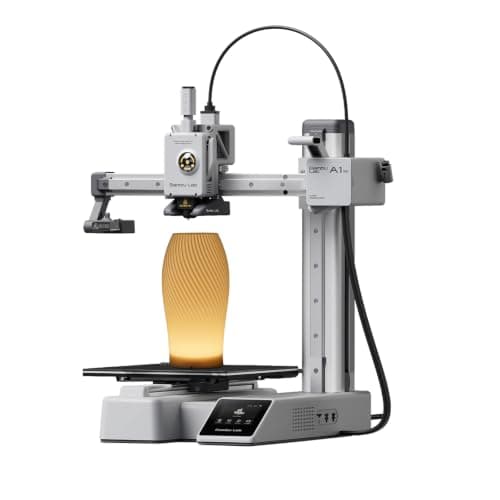 Top pick: Bambu Lab A1 mini
#ad Price as of October 19, 2026, from Amazon. Prices change. How we make money.
See our pick
Best on Amazon
The Best 3D Printers on Amazon
What to buy if you are shopping on Amazon, and the three things its listings routinely leave out.
$249.00 - Check price on AmazonTop pick: Bambu Lab A1 mini#ad Price as of October 19, 2026, from Amazon. Prices change. How we make money.
See our pick
Best under $300
The Best 3D Printers Under $300
The cheapest machines we would still hand to a friend, and the floor below which we would not.
$199.00 - Check price on Amazon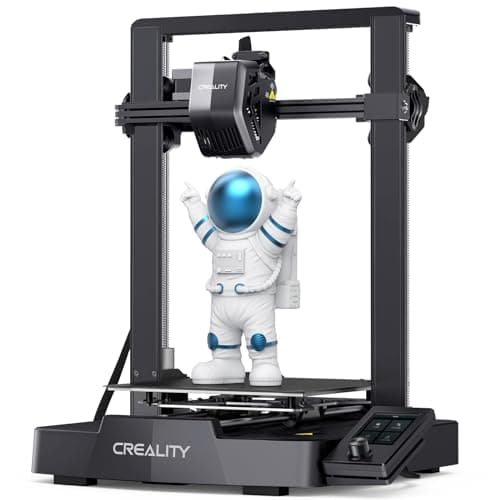 Top pick: Creality Ender-3 V3 SE
#ad Price as of October 19, 2026, from Amazon. Prices change. How we make money.
See our pick
Best under $500
The Best 3D Printers Under $500
Four machines and the three different upgrades they represent, with a straight answer on which to take first.
$299.99 - Check price on Amazon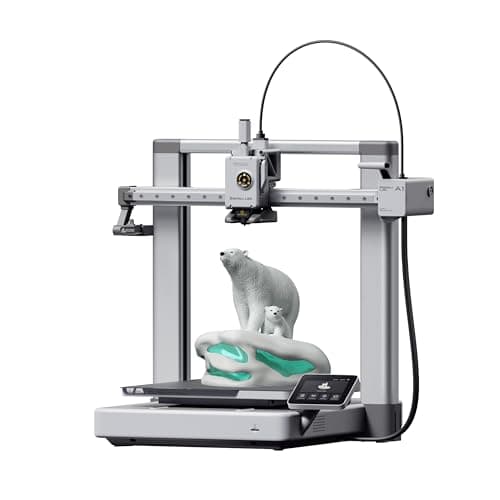 Top pick: Bambu Lab A1
#ad Price as of October 19, 2026, from Amazon. Prices change. How we make money.
See our pick
Best under $1,000
The Best 3D Printers Under $1,000
The enclosed band, what it genuinely unlocks, and an honest note on who should spend less.
$399.00 - Check price on Amazon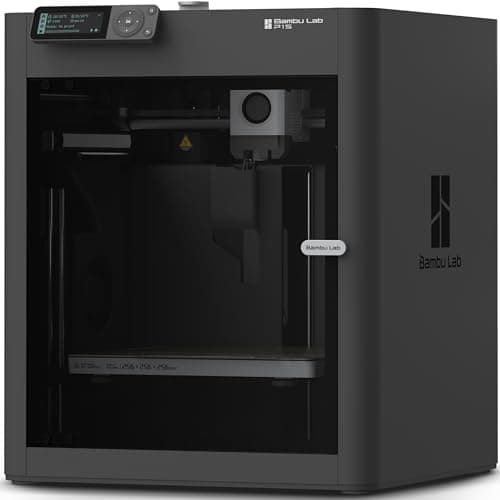 Top pick: Bambu Lab P1S
#ad Price as of October 19, 2026, from Amazon. Prices change. How we make money.
See our pick
Best for a home
The Best 3D Printers for Home Use
Judged on footprint, noise and running cost rather than raw capability — the criteria a home actually applies.
$249.00 - Check price on AmazonTop pick: Bambu Lab A1 mini#ad Price as of October 19, 2026, from Amazon. Prices change. How we make money.
See our pick
Best for kids
The Best 3D Printers for Kids
Judged on who is actually driving the machine, with the safety facts stated plainly.
$354.99 - Check price on Amazon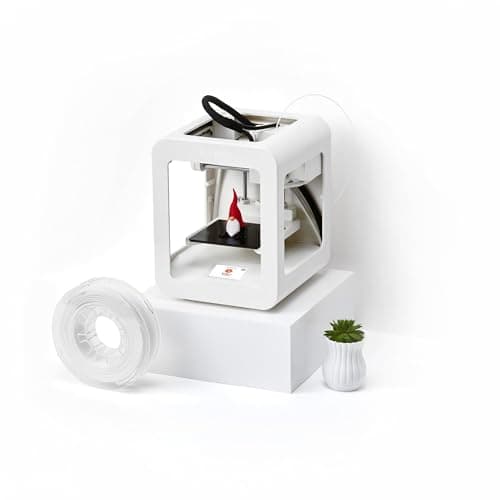 Top pick: Toybox 3D Printer
#ad Price as of October 19, 2026, from Amazon. Prices change. How we make money.
See our pick
Best multicolor
The Best Multicolor 3D Printers for Beginners
What multicolor really costs in time and waste, and the machines worth it when you are ready.
Check price on Amazon Top pick: Anycubic Kobra 3 Combo
#ad We do not hold a current price for this product, so we do not show one. How we make money.
See our pick
Best for miniatures
The Best 3D Printers for Miniatures
Resin wins on detail and brings a routine with it. The full picture, plus when filament is good enough.
$299.99 - Check price on Amazon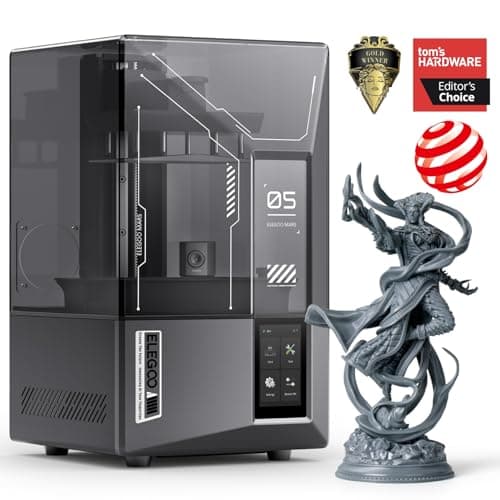 Top pick: Elegoo Mars 5 Ultra
#ad Price as of October 19, 2026, from Amazon. Prices change. How we make money.
See our pick
Best Bambu Lab printer
The Best Bambu Lab 3D Printers
Nine machines in the lineup, five worth a first purchase, and an honest account of what the other four are for.
$249.00 - Check price on AmazonTop pick: Bambu Lab A1 mini#ad Price as of October 19, 2026, from Amazon. Prices change. How we make money.
See our pick
Best enclosed
The Best Enclosed 3D Printers
Four enclosed machines on published figures, what the box actually buys, and an honest note on who should not buy one.
$569.00 - Check price on Amazon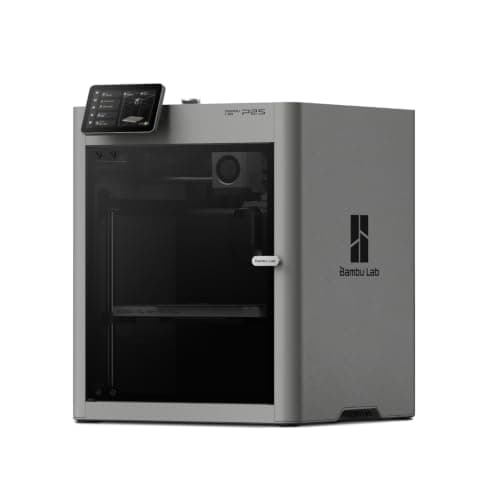 Top pick: Bambu Lab P2S
#ad Price as of October 19, 2026, from Amazon. Prices change. How we make money.
See our pick
Best for cosplay
The Best 3D Printers for Cosplay
What actually decides a cosplay printer once you accept that helmets print in sections, and four machines judged on it.
$299.99 - Check price on AmazonTop pick: Bambu Lab A1#ad Price as of October 19, 2026, from Amazon. Prices change. How we make money.
See our pick
Best Bambu alternative
Bambu Lab Alternatives
Five alternatives ranked by what you are actually trying to escape, and what each trade costs.
$328.99 - Check price on Amazon Top pick: Elegoo Centauri 2 Combo
#ad Price as of October 19, 2026, from Amazon. Prices change. How we make money.
See our pick
Best brand overall
The Best 3D Printer Brand
Five brands, each judged on what it actually publishes and supports — with the machine each one leads with.
$249.00 - Check price on AmazonTop pick: Bambu Lab A1 mini#ad Price as of October 19, 2026, from Amazon. Prices change. How we make money.
See our pick
Best for an apartment
Running a 3D Printer in an Apartment
Judged on footprint, how vibration reaches the floor below, and what the machine does with its own air.
$249.00 - Check price on AmazonTop pick: Bambu Lab A1 mini#ad Price as of October 19, 2026, from Amazon. Prices change. How we make money.
See our pick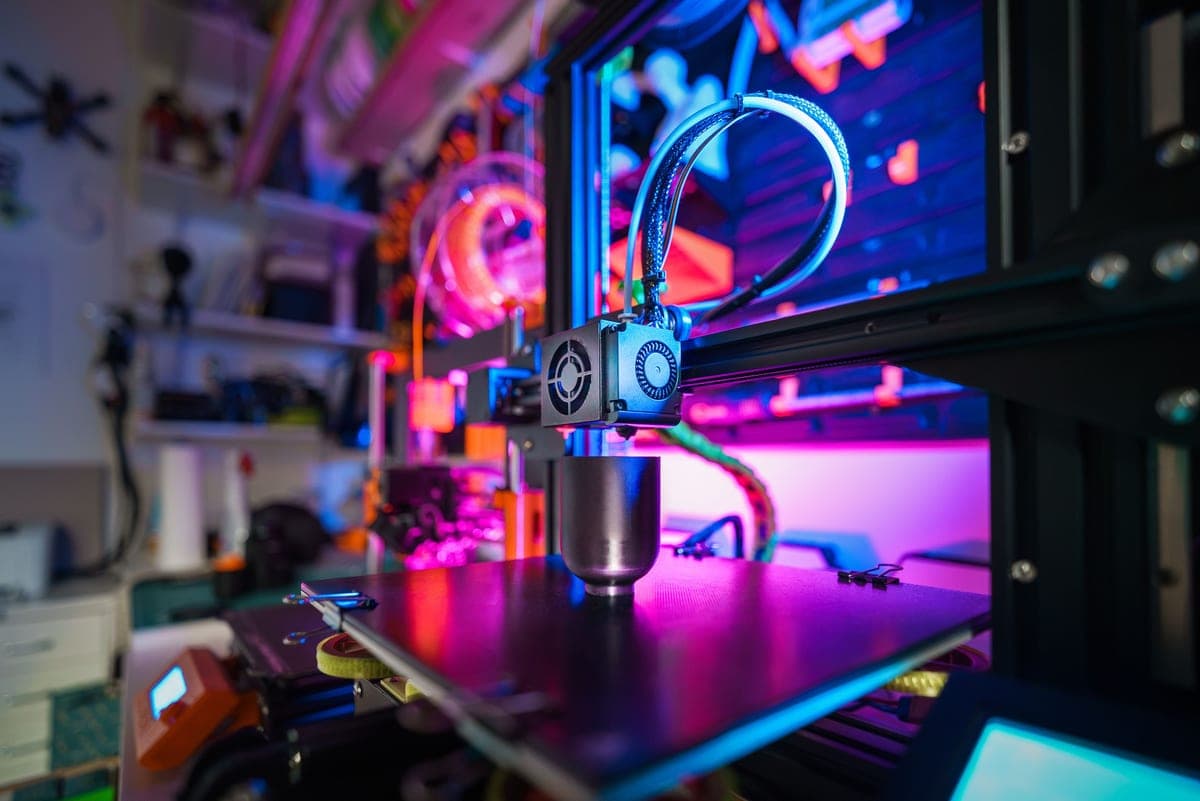
Our first-printer pick
Bambu Lab A1 mini Review
Why this is our first-printer pick, what the small build volume actually costs, and who should buy something else.
$249.00 - Check price on AmazonFeatured: Bambu Lab A1 mini#ad Price as of October 19, 2026, from Amazon. Prices change. How we make money.
Read the page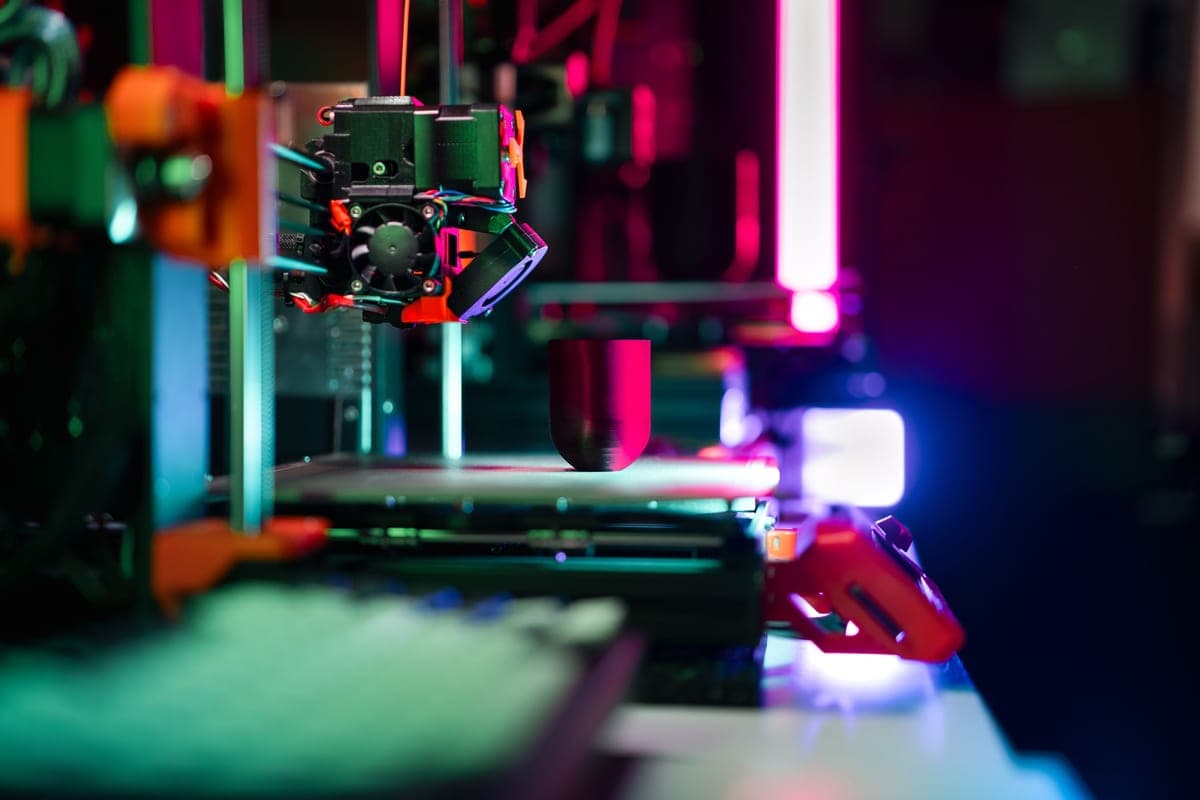
Best if you want room
Bambu Lab A1 Review
The full-size A1: what the bigger bed and hotter plate genuinely unlock, and the desk space it wants.
$299.99 - Check price on AmazonFeatured: Bambu Lab A1#ad Price as of October 19, 2026, from Amazon. Prices change. How we make money.
Read the page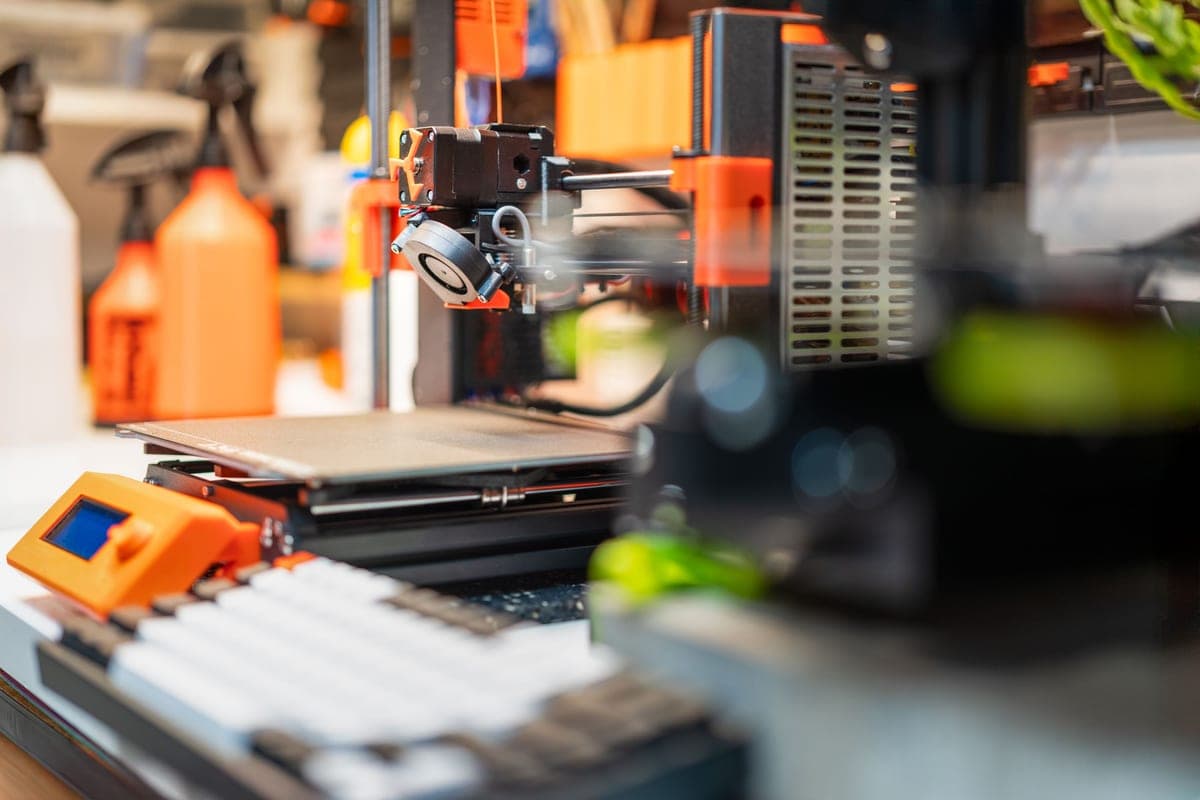
Best budget pick
Creality Ender-3 V3 SE Review
The budget pick: automatic leveling at the bottom of the market, and what you give up for the price.
$199.00 - Check price on AmazonFeatured: Creality Ender-3 V3 SE#ad Price as of October 19, 2026, from Amazon. Prices change. How we make money.
Read the page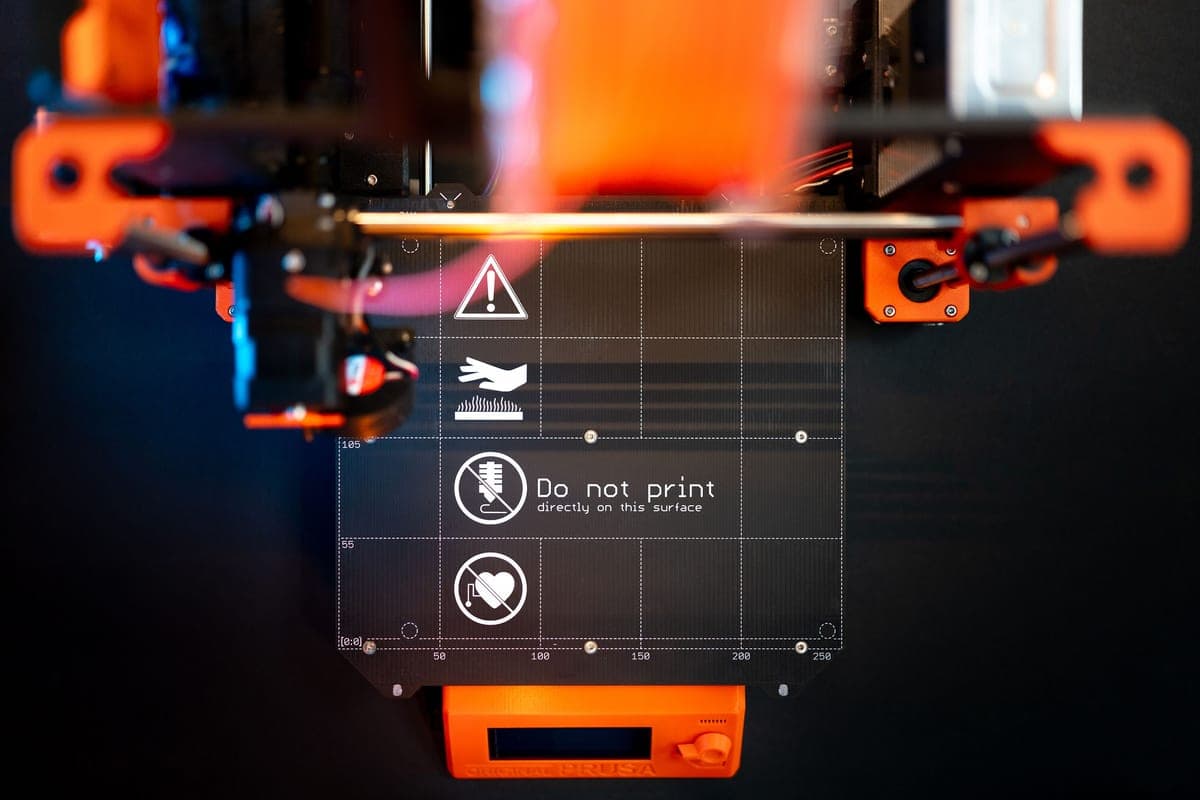
Most spec per dollar
Elegoo Neptune 4 Review
Klipper pre-installed, a 300C nozzle and a 121-point mesh — and what that asks of a beginner in return.
Check price on AmazonFeatured: Elegoo Neptune 4#ad We do not hold a current price for this product, so we do not show one. How we make money.
Read the page
A1 vs A1 mini
Bambu Lab A1 vs A1 mini
Two sizes of the same printer. The volume difference, the bed temperature difference, and which to buy.
$249.00 - Check price on AmazonFeatured: Bambu Lab A1 mini#ad Price as of October 19, 2026, from Amazon. Prices change. How we make money.
Read the page
A1 vs P1S
Bambu Lab A1 vs P1S
Open frame against enclosed CoreXY. What the box unlocks, and the honest answer for a first machine.
$299.99 - Check price on AmazonFeatured: Bambu Lab A1#ad Price as of October 19, 2026, from Amazon. Prices change. How we make money.
Read the page
Ender vs A1 mini
Creality Ender-3 V3 SE vs Bambu Lab A1 mini
The budget machine is bigger; the pricier one is easier. Which of those you should optimize for.
$199.00 - Check price on AmazonFeatured: Creality Ender-3 V3 SE#ad Price as of October 19, 2026, from Amazon. Prices change. How we make money.
Read the page
Guide
How Much Does a 3D Printer Cost?
The bands worth buying into, and the running-cost arithmetic worked out with the inputs shown.
$249.00 - Check price on AmazonFeatured: Bambu Lab A1 mini#ad Price as of October 19, 2026, from Amazon. Prices change. How we make money.
Read the page
Cheapest enclosure we would buy
Elegoo Centauri Carbon Review
The budget enclosure, read off Elegoo's own spec sheet: what the box buys, what the 500 mm/s figure really means, and the sensor it leaves out.
$289.99 - Check price on Amazon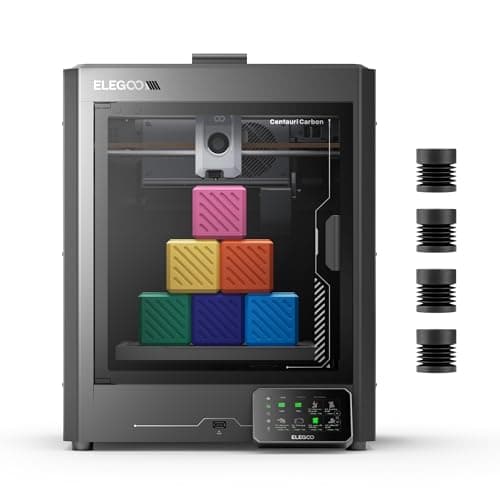 Featured: Elegoo Centauri Carbon
#ad Price as of October 19, 2026, from Amazon. Prices change. How we make money.
Read the page
The enclosed Bambu
Bambu Lab P1S Review
What the box buys, the warning Bambu prints about fiber-filled filament, and the honest case for buying an A1 instead.
$399.00 - Check price on AmazonFeatured: Bambu Lab P1S#ad Price as of October 19, 2026, from Amazon. Prices change. How we make money.
Read the page
Head to head
Elegoo Centauri Carbon vs Bambu Lab P1S
The two budget enclosures side by side on published figures, and the non-spec reason most people should pick one over the other.
$289.99 - Check price on AmazonFeatured: Elegoo Centauri Carbon#ad Price as of October 19, 2026, from Amazon. Prices change. How we make money.
Read the page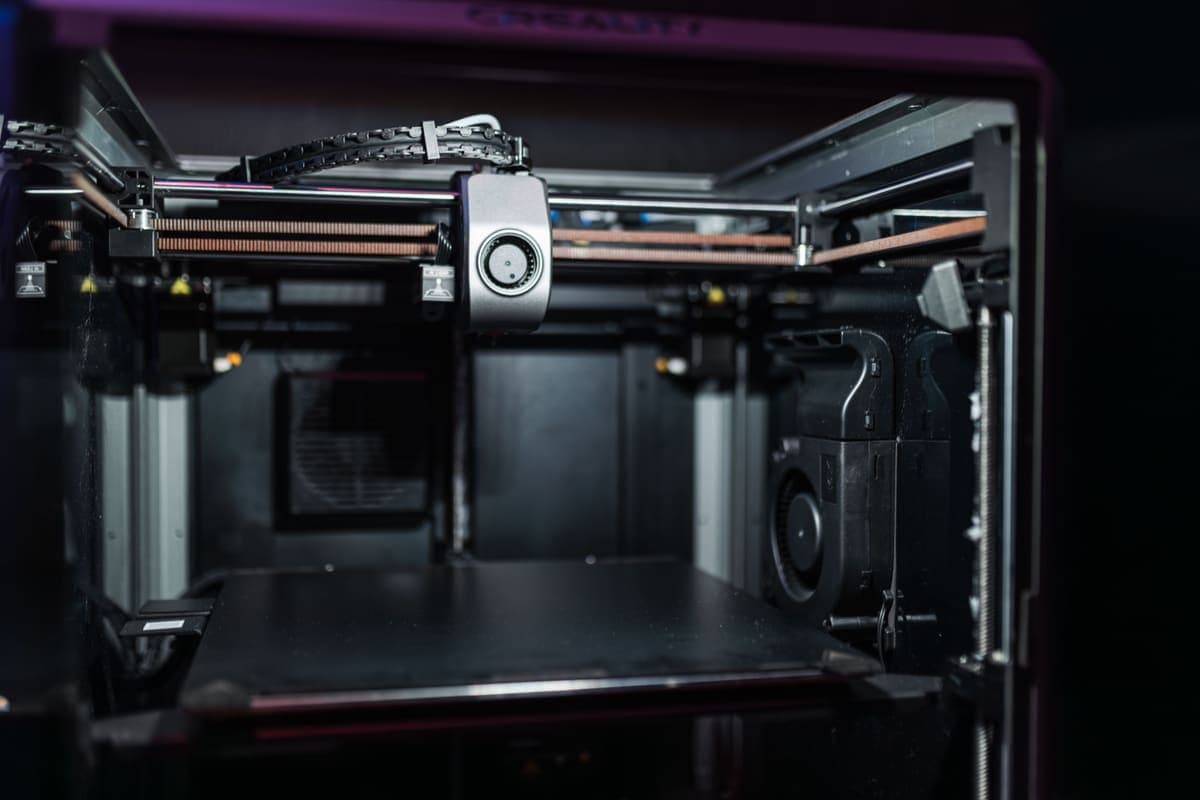
Head to head
Bambu Lab vs Creality
The brand-level decision: what Bambu automates, what Creality costs and repairs, and which one suits how you like to solve problems.
$249.00 - Check price on AmazonFeatured: Bambu Lab A1 mini#ad Price as of October 19, 2026, from Amazon. Prices change. How we make money.
Read the page
Guide
Where to Buy a 3D Printer
Manufacturer direct, Amazon, in store today, or refurbished: what each channel actually changes, and where we would buy even though we do not earn on it.
$249.00 - Check price on AmazonFeatured: Bambu Lab A1 mini#ad Price as of October 19, 2026, from Amazon. Prices change. How we make money.
Read the page
The current enclosed Bambu
Bambu Lab P2S Review
What the P2S adds over the P1S, what it does not, and the honest case for spending less on the outgoing model.
$569.00 - Check price on AmazonFeatured: Bambu Lab P2S#ad Price as of October 19, 2026, from Amazon. Prices change. How we make money.
Read the page
The one a child can run alone
Toybox 3D Printer Review
The one printer a child can run without an adult, what the tiny build volume really costs, and when to buy a normal machine instead.
$354.99 - Check price on AmazonFeatured: Toybox 3D Printer#ad Price as of October 19, 2026, from Amazon. Prices change. How we make money.
Read the page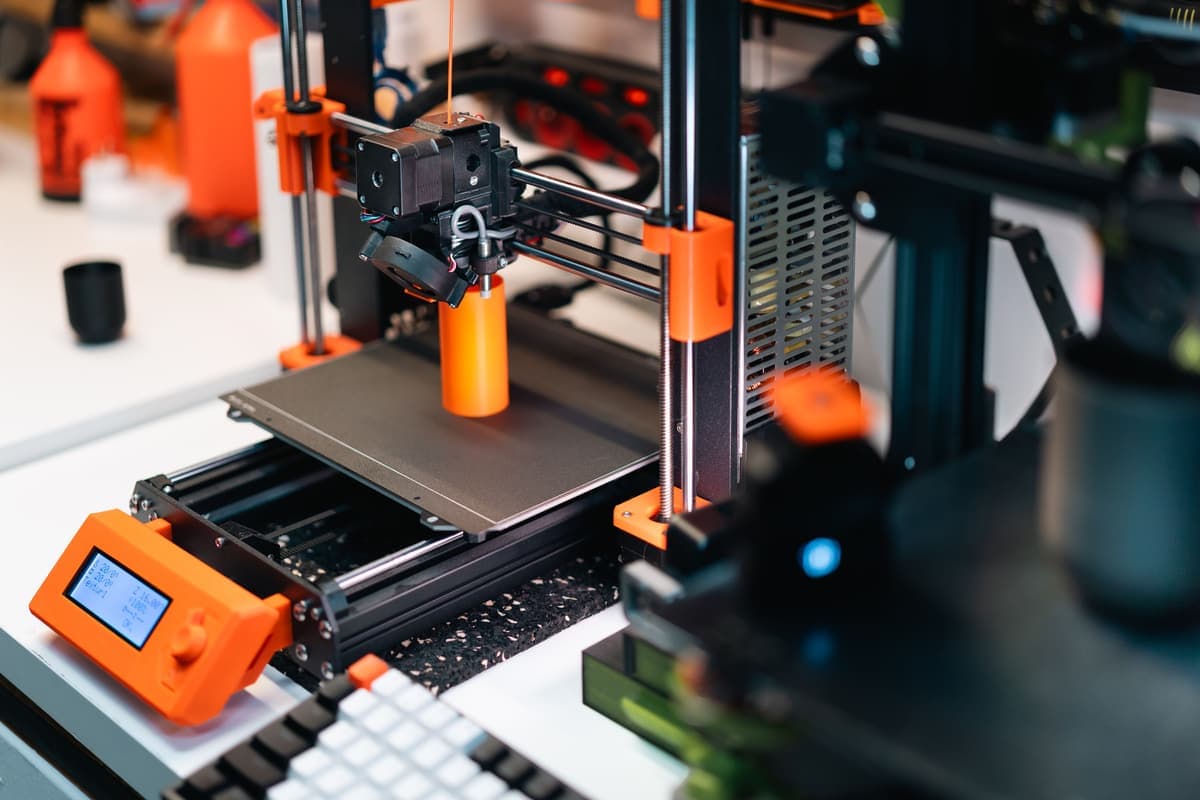
Head to head
Prusa vs Bambu Lab
Two philosophies, not two machines. What Prusa charges for, what Bambu automates, and which suits how you want to own a printer.
$569.00 - Check price on AmazonFeatured: Bambu Lab P2S#ad Price as of October 19, 2026, from Amazon. Prices change. How we make money.
Read the page
Multi-color in one box
Anycubic Kobra S1 Combo Review
An enclosed four-color printer with its feeder in the box: what Anycubic publishes, the caveats in its own footnotes, and when the P1S is the better buy.
$449.99 - Check price on Amazon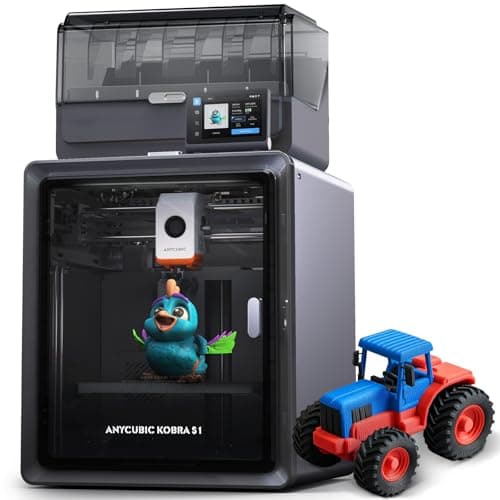 Featured: Anycubic Kobra S1 Combo
#ad Price as of October 19, 2026, from Amazon. Prices change. How we make money.
Read the page
The fast Ender
Creality Ender-3 V3 KE Review
What the KE adds over the SE, the ABS claim we would ignore, and an honest note on who should buy the cheaper machine.
Read the guide
Review
FlashForge Adventurer 5M Review
CoreXY under $300, a 280 C direct-drive hot end, and the travel-speed claim explained.
$249.00 - Check price on Amazon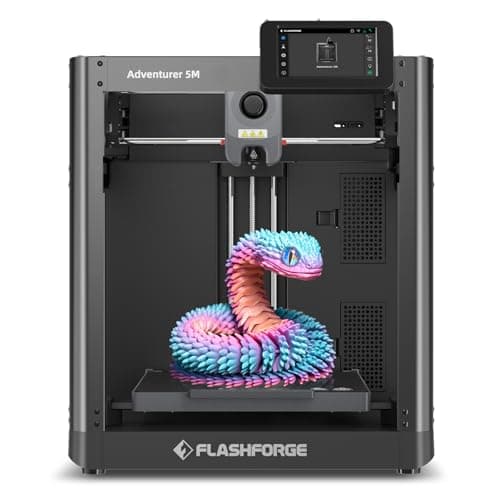 Featured: FlashForge Adventurer 5M
#ad Price as of October 19, 2026, from Amazon. Prices change. How we make money.
Read the page
Review
Elegoo Centauri Carbon 2 Review
Enclosed CoreXY with multi-color included, a 350 C nozzle, and the footnotes read in full.
Read the guide
Head to head
Anycubic vs Bambu Lab
Bundled hardware and published noise figures against a more polished ecosystem, on the specs each brand publishes.
$449.99 - Check price on AmazonFeatured: Anycubic Kobra S1 Combo#ad Price as of October 19, 2026, from Amazon. Prices change. How we make money.
Read the page
Head to head
Bambu Lab P1S vs P2S
What the P2S actually adds over the P1S, what it costs in money and watts, and which one to buy.
$399.00 - Check price on AmazonFeatured: Bambu Lab P1S#ad Price as of October 19, 2026, from Amazon. Prices change. How we make money.
Read the page
Review
Bambu Lab A2L Review
The biggest plate on the site at a beginner price, the 80 C bed limit, and why it is not on Amazon.
Check price on AmazonFeatured: Bambu Lab A2L#ad We do not hold a current price for this product, so we do not show one. How we make money.
Read the page
Head to head
Elegoo Centauri Carbon vs Centauri Carbon 2
What the second generation changed, and why the original is now a used-market question.
$289.99 - Check price on AmazonFeatured: Elegoo Centauri Carbon#ad Price as of October 19, 2026, from Amazon. Prices change. How we make money.
Read the page
Head to head
Elegoo vs Creality
Parts and repairability against published specs and enclosures, on what each brand documents.
$328.99 - Check price on AmazonFeatured: Elegoo Centauri 2 Combo#ad Price as of October 19, 2026, from Amazon. Prices change. How we make money.
Read the page
Review
Elegoo Mars 5 Ultra Review
18 micron detail for miniatures, and an honest account of the resin routine you are signing up for.
$299.99 - Check price on AmazonFeatured: Elegoo Mars 5 Ultra#ad Price as of October 19, 2026, from Amazon. Prices change. How we make money.
Read the page
Review
Creality K2 Plus Review
A 350 mm cube with a 350 C nozzle and a heated chamber — capable, expensive, and not a first printer.
$1,199.00 - Check price on Amazon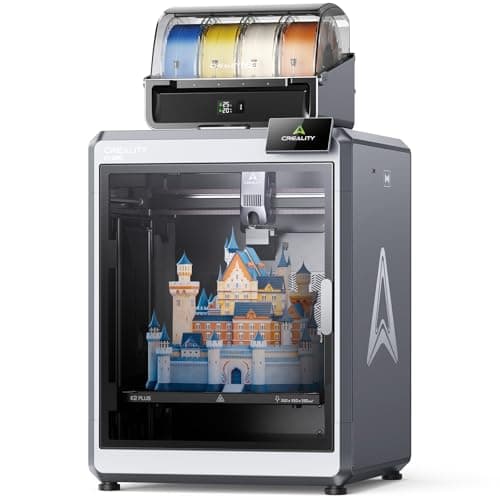 Featured: Creality K2 Plus Combo
#ad Price as of October 19, 2026, from Amazon. Prices change. How we make money.
Read the page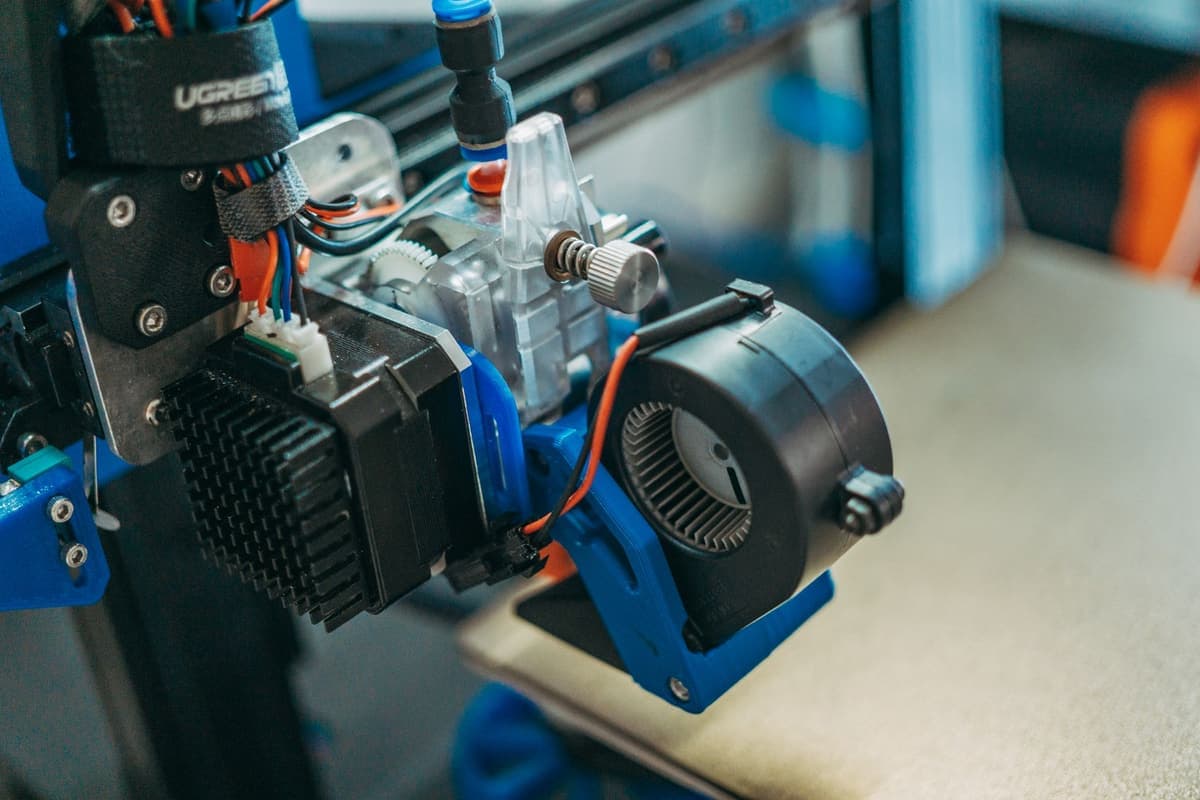
Review
Prusa CORE One+ Review
A 55 C heated chamber and a machine designed to come apart with a screwdriver — at several times beginner money.
$1,549.00 - Check price on Amazon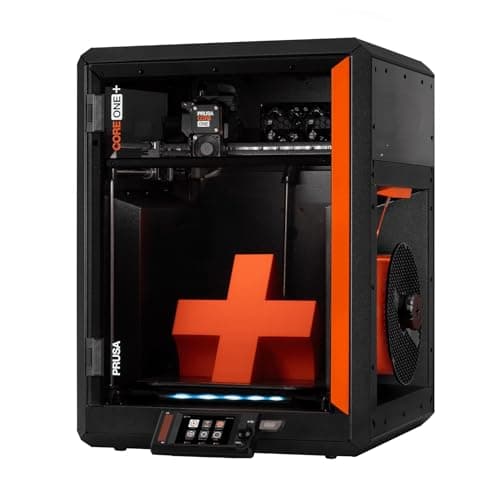 Featured: Prusa CORE One+
#ad Price as of October 19, 2026, from Amazon. Prices change. How we make money.
Read the page
Review
Elegoo Saturn 4 Ultra 16K Review
14 x 19 micron detail across a 211 mm plate — the right resin printer if miniatures are a habit, not an experiment.
$519.99 - Check price on Amazon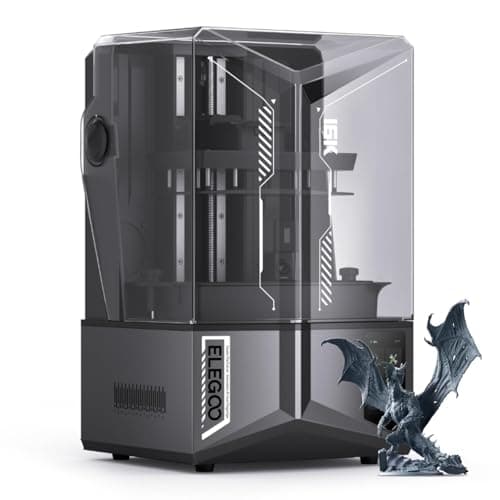 Featured: Elegoo Saturn 4 Ultra 16K
#ad Price as of October 19, 2026, from Amazon. Prices change. How we make money.
Read the page
Head to head
FlashForge Adventurer 5M vs Bambu Lab A1
CoreXY at bed-slinger money against the better-supported bed-slinger — judged on published specs.
$299.99 - Check price on AmazonFeatured: Bambu Lab A1#ad Price as of October 19, 2026, from Amazon. Prices change. How we make money.
Read the page
Head to head
Anycubic Kobra S1 vs Elegoo Centauri
Enclosed multi-color combos compared — including which Elegoo Centauri you can still buy new.
$328.99 - Check price on AmazonFeatured: Elegoo Centauri 2 Combo#ad Price as of October 19, 2026, from Amazon. Prices change. How we make money.
Read the page
Guide
How to Choose a 3D Printer
The six decisions in the order they actually matter, each one ending in a specific machine.
$249.00 - Check price on AmazonFeatured: Bambu Lab A1 mini#ad Price as of October 19, 2026, from Amazon. Prices change. How we make money.
Read the page
Guide
How Long Do 3D Printers Last?
Lifespan is decided by parts availability, not wear — what fails, what it costs, and which machines you can still fix.
$1,549.00 - Check price on AmazonFeatured: Prusa CORE One+#ad Price as of October 19, 2026, from Amazon. Prices change. How we make money.
Read the page
What decides the price
Three things, roughly in order. First, the frame: a bed-slinger, where the plate moves back and forth, is cheaper to build than a CoreXY, where the bed only goes up and down. Second, the enclosure: a box adds material, engineering and shipping weight, which is why enclosed machines start where open-frame ones stop. Third, how much of the setup the machine does for itself. Automatic leveling, automatic Z-offset and automatic flow calibration are sensors and software, and they are the single largest reason a modern beginner machine costs more than a 2019 one and works far better.
Multi-color is a fourth cost and it is separable. On most machines it is a bolt-on unit bought later; on a few it is included. It is worth knowing which you are buying, because a headline price and a multi-color price are frequently not the same number.
The mistake nearly everyone makes
Buying too much printer. A large enclosed multi-color machine is a genuinely better tool and a genuinely worse first purchase, because every extra capability is another thing to learn in a week when you are already learning what a Z-offset is. The people who are still printing a year later almost all started with something modest, boring and reliable. Read the beginner mistakes worth skipping before you decide — several of them are purchases, not techniques.
The other mistake is buying the printer and nothing else. A machine with no filament is an ornament, and the accessories that prevent the most common first-week failures cost a fraction of the printer. The starter kit page lists what actually earns its place.
Choosing where to buy is a smaller decision than choosing what to buy, and not a trivial one: warranty length, the returns window and whether you can carry it home today all change with the shop. Where to buy a 3D printer compares the channels, including the ones we earn nothing from.
Once you have chosen, go straight to what to order with it and then to setting it up. Those two pages are the rest of the purchase.
Newer machines, and the brand question
Two machines worth knowing about if you are shopping now. The FlashForge Adventurer 5M puts a CoreXY frame into a price bracket where almost everything else is a bed-slinger, which is unusual and genuinely useful — read the note on what its 600 mm/s claim actually measures. The Elegoo Centauri 2 Combo goes the other way: enclosed, CoreXY and multi-color included, for people who already know they want more than PLA.
And if you are stuck choosing between brands rather than machines, Anycubic versus Bambu Lab is the comparison that decides it for most people: one bundles the multi-color unit into the price and publishes noise figures, the other has the better software and the far larger community.
The upgrade and the escape route
Two questions come up once you have narrowed it down. If you are choosing between the two enclosed Bambus, P1S versus P2S is the one to read — they share a build volume, a nozzle ceiling and an acceleration figure, so the premium buys a hotter bed, real filtration and nearly three times the power draw. If you want a big plate instead of more materials, the A2L has the largest build volume on this site, with a heatbed capped at 80 °C that rules out ABS.
And if you would rather not buy Bambu at all — on price, on the closed ecosystem, or on repairability — our alternatives page matches five machines to the specific reason you are leaving, and is honest about what each trade costs you. For the brands underneath Bambu, Elegoo versus Creality is the other comparison worth having.
Before any of that: how to actually decide
If this is all reading as a wall of model names, it is because a spec sheet lists everything as though it mattered equally. How to choose a 3D printer puts the six decisions in the order that actually matters — automation first, build volume second, materials third, and speed almost last — and each answer ends in a specific machine. If you have narrowed it to a company rather than a model, which 3D printer brand to buy judges all five on what each one actually publishes and supports, which turns out to be a better guide than any of their marketing.
Two questions come up once money is involved. Whether the machine will still be working in five years is really a question about whether you can still buy the parts, and how long 3D printers last answers it with what we have watched happen to the machines we track every month. And if the printer has to live in a flat rather than a garage, running a 3D printer in an apartment is narrower than our home-use page on purpose: a shared floor changes which motion system you want, and shared air decides which filament is even possible.
The big machines, and the two head-to-heads
At the top of the market the honest answer is usually “not this”, and we say so in each review. The Creality K2 Plus is a 350 mm cube with the hottest nozzle and bed on this site, and Creality leaves TPU off its own supported-filament list. The Prusa CORE One+ is the only machine whose maker commits in writing to stocking spares for years — and the one where we found the manufacturer’s own store over $300 cheaper than Amazon. For miniatures rather than parts, the Elegoo Saturn 4 Ultra 16K has the finest published resolution of anything here.
Two comparisons close out the awkward middle. Adventurer 5M versus the Bambu A1 is CoreXY motion against 59 percent more build volume at roughly the same money. And Kobra S1 versus the Elegoo Centauri is the cheapest way into an enclosed multi-color machine — and the page that untangles which Centauri you can still buy new, because two of the three are not what the listings suggest.